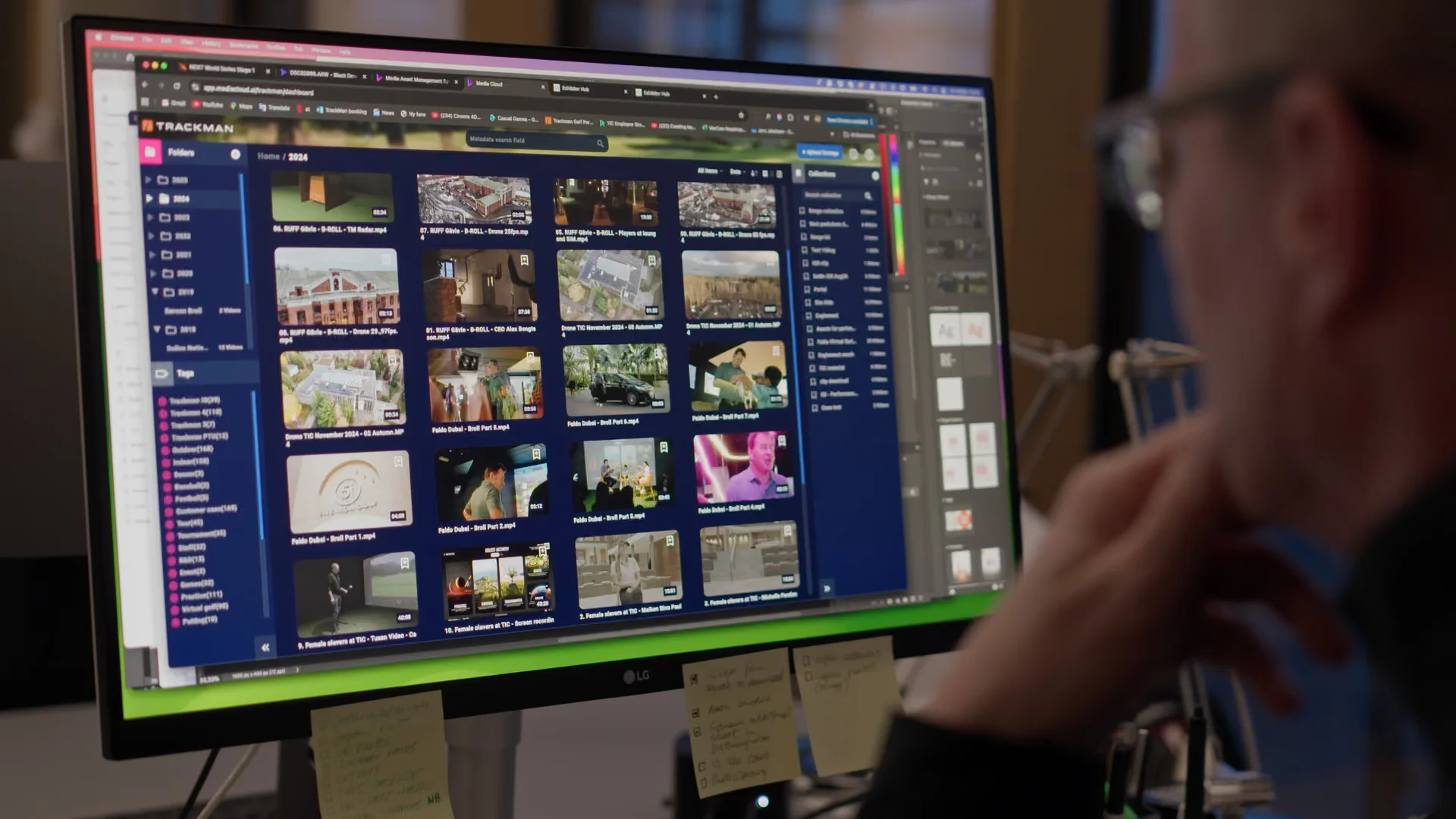

One of the questions we hear most from in-house content teams is simple: How do we name files properly and structure our project folders so everyone stays aligned?
When multiple editors, freelancers, and marketers collaborate on the same content pipeline, inconsistent naming conventions quickly turn into lost files, broken project links, and general chaos.
Here are our top five practical tips for creating a clean, reliable folder structure and file-naming workflow that works for any in-house content team.
1. Always Use Unique File Names for Your Source Footage
This one is critical. Many cameras default to generic names like CLIP001, CLIP002, etc. And if someone formats their memory card, those names start from zero again.
Result?
Months later, when you try to relink or search for a specific shot inside your secure corporate video archive, you end up with duplicates and confusion.
A simple fix:
- Ensure every card dump gets unique file names.
- Agree on one naming format (for example:
Client_Project_Date_CameraA_001).
- Ask freelancers to follow the same convention.
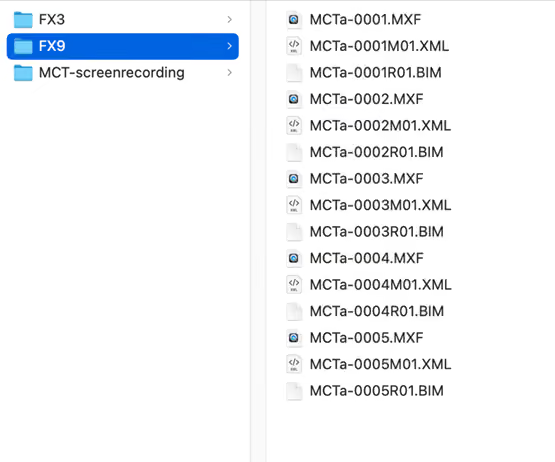
This makes searching, tagging, and long-term relinking in your source footage cloud storage dramatically easier.
2. Name Your Projects and Folders Clearly (No More “Timeline_004”)
A good project name should explain itself. Something vague like video_project_04 tells no one anything.
Use a structure that communicates who, what, and when, such as:
ClientName_ProjectName_MonthYear_V01
Test it: Show the folder name to a colleague. If they instantly understand what the project is, you’ve nailed it.
Clear naming is essential when storing projects inside a cloud-based video and stills library or when sharing work across a digital asset management platform for in-house marketing teams.
3. Fix Your Internal Terminology (Everyone Uses the Same Words)
A surprisingly common issue: teams use different words for the same thing.
Retail vs. supermarket. B-roll vs. cutaways. Social vs. SoMe.
Some people write brand-video, others write brand_video.
These inconsistencies lead to misplaced files, broken searches, and miscommunication. Set a simple terminology guide for your team:
- Decide which words/terms you use
- Decide how you write them (underscore, dash, or no separator)
- Stick to it across all projects
This helps your team search and tag video and picture assets consistently across your corporate video and stills archive.
4. Use a Strict and Repeatable Folder Structure
This is where most teams fall apart. A clean folder structure works only if everyone uses the same structure every single time. Keep it identical across projects, even if some folders stay empty. Why? Because familiarity removes cognitive load. After a few projects, everyone knows where everything is.
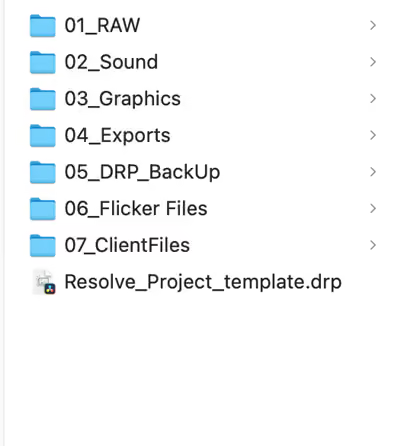
5. Mirror Your Folder Structure Inside Your Editing Software
Your computer folder structure and your Premiere/Davinci Resolve structure should match. Same folder names. Same hierarchy. Same logic.
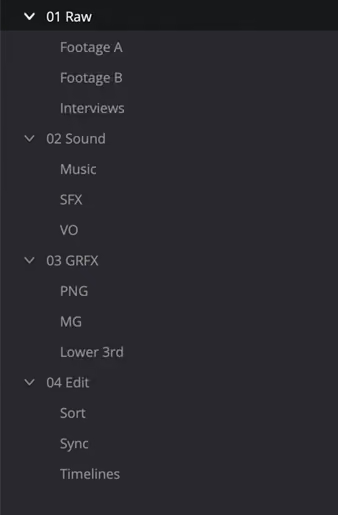
Why this matters:
- It prevents relinking errors
- It makes collaboration painless
- You always know where a missing file should be
- It keeps your content management for enterprise marketing predictable and efficient
A mirrored structure saves hours of troubleshooting and keeps projects fast and clean.
Summary
When your team adopts a standard naming format, a fixed terminology set, and a repeatable folder structure, your entire workflow becomes easier to navigate.
You avoid unnecessary confusion, make collaboration smoother, and build a secure corporate video archive that supports content recycling for years.
And yes — feel free to steal this structure. It works.
Label variant
Body
Title variant
Body
Term
Definition
Question
Key risk: red variant
- List item