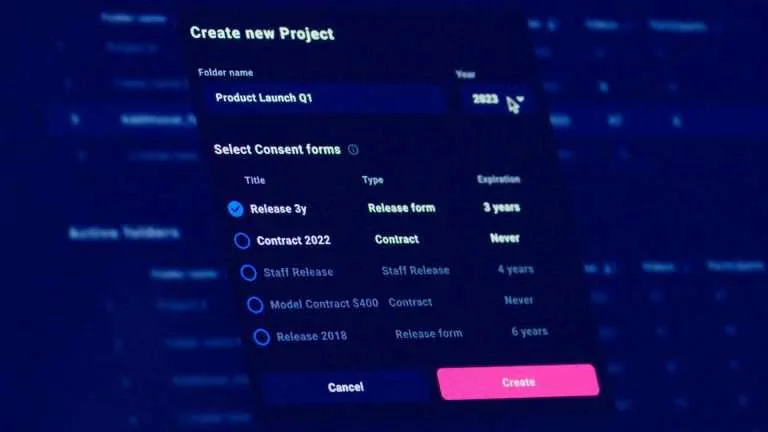
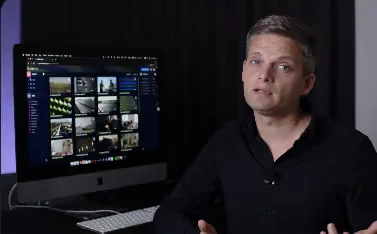
Learn how to get the most out of Mediacloud.ai. Explore our quick-start guides and detailed feature walkthroughs to organise your footage and streamline your workflow.
1. Getting Started: Dashboard & Uploads
Learn how to store, organise, and search your source footage.
- Folder structure based on filming dates
- Custom tags and collections for organising content
- Superfast mouse-over previews and filter options
- How to upload mixed video/still assets with metadata
2. Asset Details: Clip Metadata & Edit Page
Dive deeper into individual assets.
- View technical details, upload metadata, and internal notes
- Understand and edit GDPR/privacy attributes
- Add/remove participants and update tags
3. Settings: Managing Collections, Folders & Tags
Structure your archive for long-term use.
- Create, duplicate, or remove collections
- Add/edit folders and track still/video content
- Sort and manage tags across your company
Table of Contents